
Getting Started
Most investors decide whether to follow your company in seconds. Your profile is your first impression — make it count.
Steps
1 - Claim your profile.
Refer to the invite link which we sent to you.
Didn’t receive a link? Reach out to info@engageir.com.
2 - Navigate to your Company Dashboard. Click on Your Company Ltd.
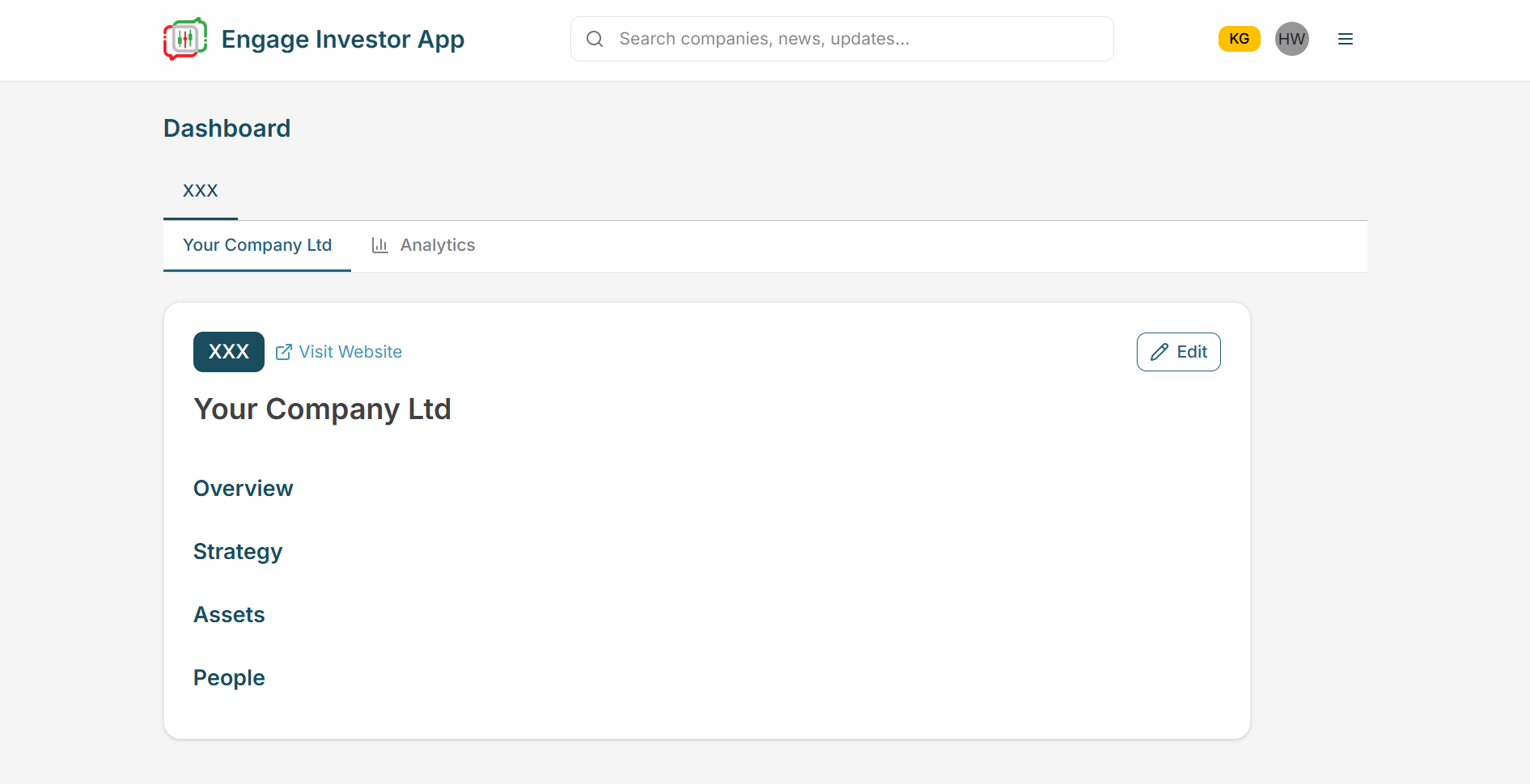
3 - Click Edit, add your content, then click Save.
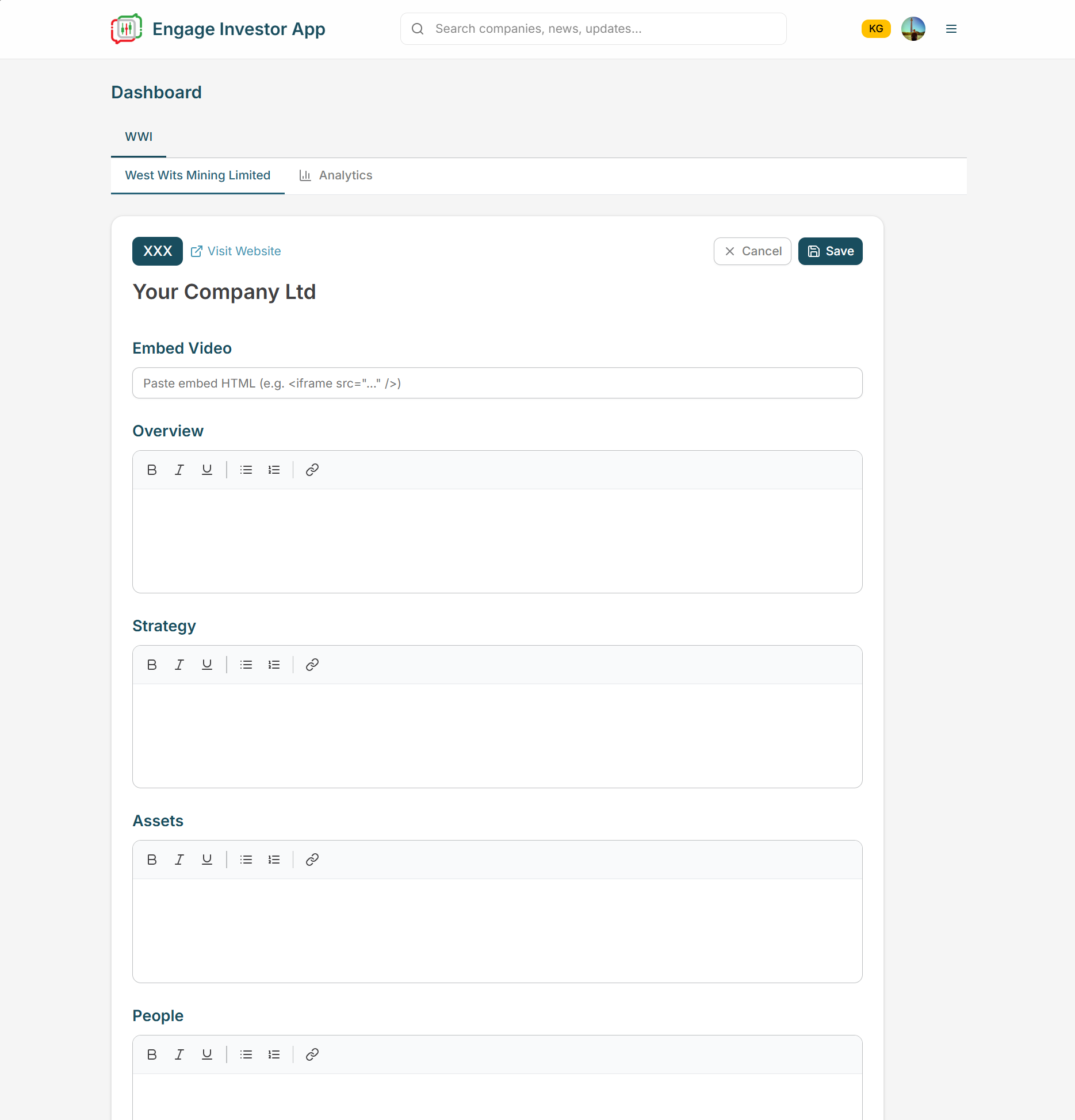
Update your Overview, Strategy, Assets, People and add an embedded video
Clearly define your company
Highlight your core value proposition
Add key company information
Pro Tip
If an investor reads your profile and can’t explain your company in one sentence, it needs simplifying.